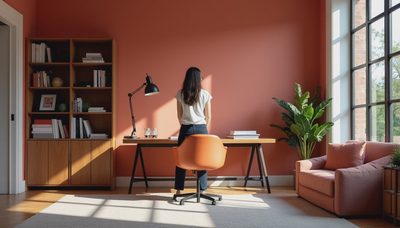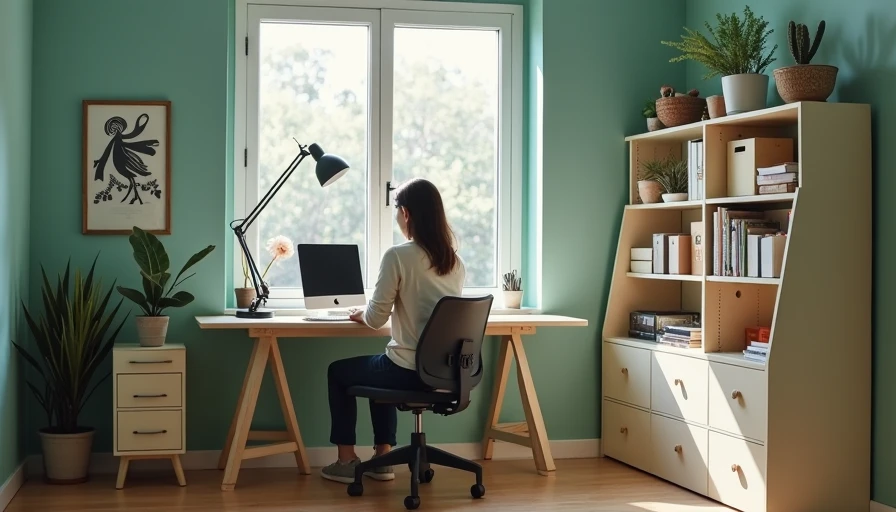

The best budget home office furniture is not necessarily the cheapest desk in a search result. It is the combination of a stable work surface, a supportive chair, useful storage, and dimensions that fit your room. After years in furniture product management, I have learned that a $180 desk with sensible construction can outperform a $500 desk covered in features you never use. The trick is knowing which specifications protect your back, your workflow, and your wallet.
Start with the work surface
For most remote workers, the desk is the anchor. A practical minimum is 48 inches wide by 24 inches deep. That gives a laptop, 24-inch monitor, keyboard, mouse, and notebook enough room without forcing your elbows against the wall. If you use two monitors or handle paper files, 60 by 30 inches is a better target. In a 10-by-11-foot room, that larger size still leaves workable circulation if the desk sits against the 11-foot wall.
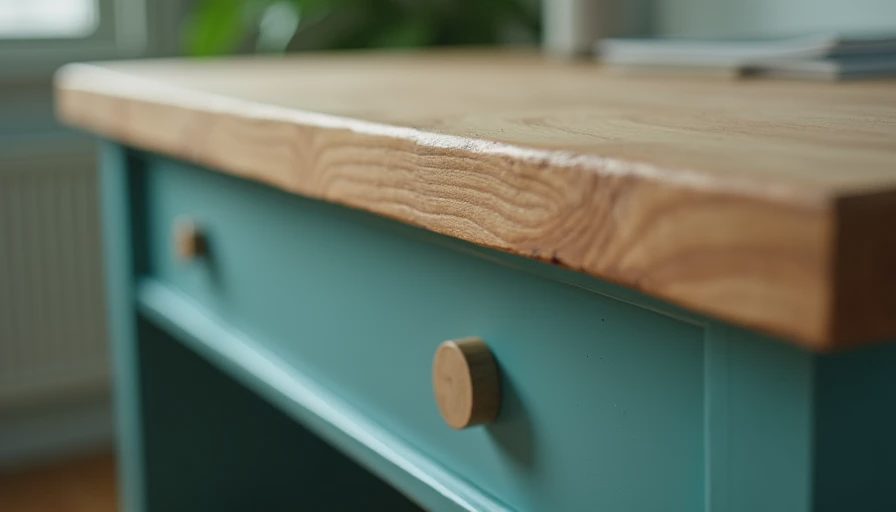
Look for a top made from medium-density fiberboard, often called MDF, with a durable laminate or veneer finish. MDF is compressed wood fiber; it is uniform, affordable, and less likely than low-quality particleboard to crumble around screw holes. A 1-inch-thick top feels substantially better than a thin, hollow panel. Check the edge banding, which is the strip covering the panel edge. It should be firmly attached with no open seams at the corners.
The frame matters just as much. Steel legs with a crossbar usually resist side-to-side wobble better than four narrow legs. Adjustable feet help level the desk on an older floor, a useful detail in many Charlotte homes. Do not pay extra for a built-in wireless charger if the frame flexes when you type. In the best budget home office furniture, boring structural parts usually deliver more value than flashy accessories.
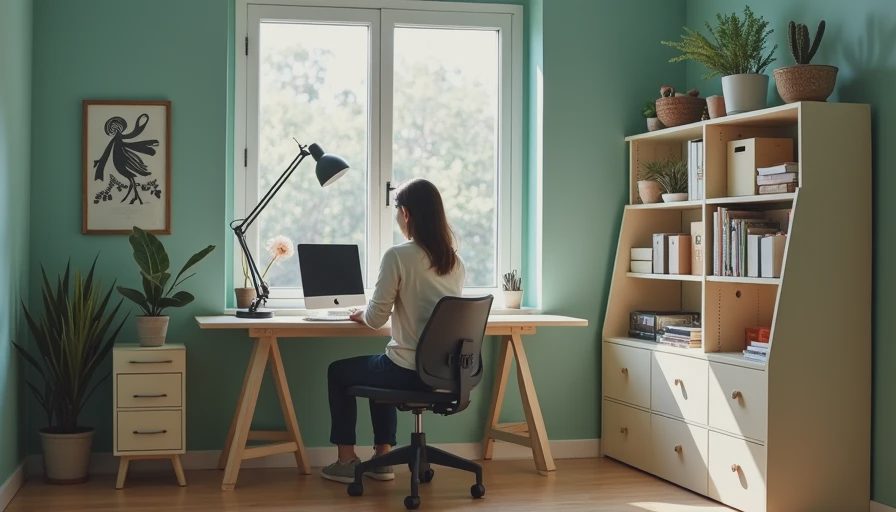
Choose the chair by adjustment, not appearance
A chair is where budget shoppers most often save in the wrong place. You do not need a luxury executive chair, but you do need adjustable seat height, a seat that supports your thighs without pressing behind your knees, and a backrest that moves with you. A seat height range around 17 to 21 inches covers many adults, though your feet should rest flat on the floor when the chair is set correctly.
A $140 to $250 task chair with a breathable mesh back and a foam seat can be a smarter purchase than a $90 faux-leather chair. Faux leather often looks good in the box but can peel after years of heat and friction. Mesh reduces heat buildup, while a properly shaped foam cushion prevents the hard-board feeling that appears after a long video call. Test the tilt tension, armrest height, and caster movement if you can sit in the chair before buying.
For a small shared office, skip oversized headrests and deep executive cushions. They consume space without improving your working position. A chair that slides fully under a 24-inch-deep desk keeps a hallway or dining room clear after work. When comparing the best budget home office furniture, treat the chair as an ergonomic tool rather than a decorative finishing piece.
Build a useful setup in a small room
A dedicated 12-by-12 office is convenient, but it is not required. In a bedroom corner, measure the available wall before shopping. A 47-inch desk can fit along a 50-inch wall, but allow at least 30 inches in front for pulling out the chair. If the desk faces a window, leave enough clearance for blinds and avoid placing a monitor where direct sunlight creates glare.
Closet offices need a different plan. Remove or raise one shelf, install a 20- to 24-inch-deep desktop, and reserve one side for a vertical file box or compact printer. Keep at least 28 inches of knee clearance beneath the top. A wall-mounted shelf above the desk can hold notebooks, but mount it high enough that your monitor does not touch it. This is where best budget home office furniture often means adapting a basic tabletop and brackets rather than buying a specialized closet system.
In a shared living room, visual control matters. Choose a desk with a modest drawer or a 12-inch-wide rolling pedestal for chargers, tax papers, and notebooks. Cable management is also part of the layout. A fabric cable sleeve and an under-desk power strip can cost less than $30 and prevent the daily mess that makes a workspace feel temporary.
Storage that earns its footprint
Storage should match the work you actually do. A freelancer handling contracts may need two file drawers; a software developer may need only a shelf for notebooks and equipment. Do not buy a six-shelf bookcase because an empty wall feels unfinished. Measure the items first, then choose the smallest unit that holds them with room to remove each item easily.
For most offices, a bookcase between 28 and 32 inches wide is easier to stabilize than a tall, narrow model. A 72-inch bookcase should be anchored to the wall, especially in a room used by children or pets. Shelves made from 5/8-inch particleboard can sag under heavy books, so look for a center support or thicker shelves. A cabinet with adjustable shelves is often worth the added $40 to $80 because it hides visual clutter and accommodates changing equipment.
The best budget home office furniture also includes secondhand options. Used steel filing cabinets, solid-wood side tables, and commercial task chairs can offer better hardware than new bargain products. Inspect drawer slides, hinges, and the underside of every top. Water damage, stripped screw holes, and a chair cylinder that slowly sinks are repair costs, not bargains.
Read the specification sheet like a buyer
Price alone tells you very little. Read the warranty, weight capacity, assembly notes, and return policy before placing an order. A desk rated for 100 pounds is adequate for a monitor and laptop, but a heavy desktop computer, speakers, and printer may push that limit. A return window is especially important for chairs because comfort cannot be predicted from photographs.
Watch for vague phrases such as “wood design” or “premium finish.” Those descriptions do not tell you whether the top is solid wood, veneer over engineered wood, or printed film over particleboard. Engineered wood is not automatically bad; it is often the economical choice when the edges are sealed and the hardware is sound. Look for metal-to-metal fasteners, threaded inserts, and a back panel on bookcases. Those details reduce racking, which is the side-to-side movement that makes inexpensive furniture feel loose.
Assembly time is another real cost. A desk listed at $120 may require two hours, a drill, and a second person. That can still be a good buy, but factor it into the decision. If replacement parts are available and instructions are clear, the product has a better chance of surviving a move.
A practical buying plan under $700
For a complete starter office, allocate roughly $220 for a 48- to 60-inch desk, $200 for an adjustable task chair, $100 for a compact bookcase or cabinet, and $40 for lighting and cable control. That leaves room for a monitor arm or footrest while keeping the total near $560. You can spend less by buying storage used, but I would protect the chair budget before upgrading the desktop.
Buy the desk first only if you have measured the room and confirmed the chair fits underneath. Otherwise, choose the chair and desk together. Check that the armrests clear the front edge, your knees have room, and the monitor can sit about an arm's length away. These simple checks matter more than matching finishes.
The best budget home office furniture creates a repeatable workday: the screen is at a comfortable height, supplies are within reach, cables stay controlled, and the chair supports eight hours without demanding constant adjustment. Start with measurements, inspect the materials, and spend money on structure and fit. That approach beats replacing a wobbly desk every two years, and it leaves more budget for the equipment that actually helps you do your work.