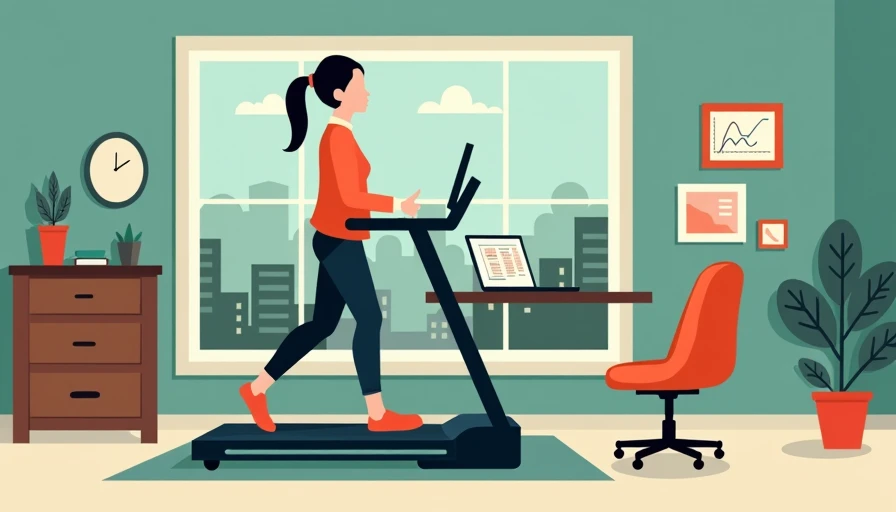

An under desk treadmill can make a sedentary workday more active, but it is still a piece of office equipment that has to fit your room, desk, and working habits. The best under desk treadmill is not necessarily the fastest or most expensive model. It is the one that rolls under your workstation, runs quietly during calls, and gives your feet enough room to walk without forcing your keyboard, monitor, or chair into an awkward arrangement.
I approach these machines the way I approach a desk frame: start with the dimensions, inspect the moving parts, and ignore features that do not improve daily use. A compact walking pad can work well in a 10-by-11-foot office, a bedroom corner, or a shared living room. It can also become a heavy object that gets shoved against a wall after two weeks. The difference usually comes down to planning rather than motivation.
Start With the Desk, Not the Treadmill
Measure the usable space beneath your desk before shopping. Most walking pads are roughly 20 to 28 inches wide and 45 to 60 inches long. Leave at least 24 inches of clear space behind the belt so you can step off safely, and avoid placing the machine where a file drawer or cabinet door has to open across it. A desk that looks deep enough may still leave too little room for your feet and chair.
A fixed-height desk is often the weak link. Walking typically requires a work surface around 40 to 48 inches high, depending on the user's height and arm position. If your desk is only 29 to 30 inches tall, a treadmill underneath will raise your hands too far unless you use a sit-stand desk. A good electric standing desk with a stable crossbar and a 200-pound or higher lifting capacity gives you more flexibility, especially when the desk carries two monitors.
Desk depth matters as well. I prefer at least 30 inches for a monitor setup used while walking. That depth lets the screen sit far enough away while leaving room for a keyboard and a compact USB microphone. A 24-inch desk can work, but the monitor may end up too close to your face, and the front edge may feel crowded.
Motor, Belt, and Noise: The Specs That Matter
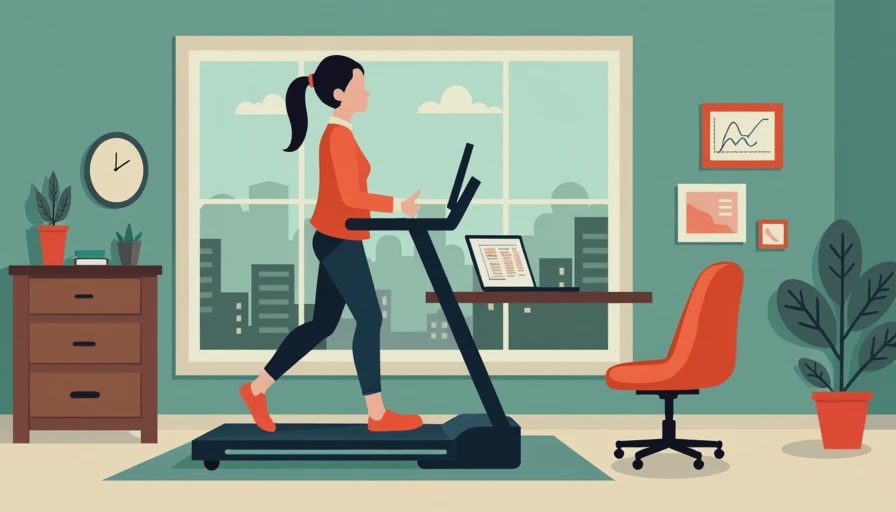
For office walking, top speed is less important than smooth low-speed operation. Many under desk treadmill models reach about 3 to 4 miles per hour, but most people type comfortably between 1.5 and 2.2 miles per hour. Look for a motor designed for continuous walking rather than short running sessions. A treadmill that strains at a slow pace can produce more vibration and noise than a stronger machine operating comfortably below its maximum.
Belt width is the specification I would not shrink to save a few dollars. A 16-inch belt is usable, but 18 to 20 inches gives you more forgiveness when you glance at a second screen or reach for a notebook. Belt length around 48 inches suits many walkers, while taller users or anyone with a long stride will appreciate 50 to 55 inches. Test the walking surface with your normal shoes; a narrow belt feels much narrower after an hour.
Noise comes from the motor, rollers, belt, and floor. On hardwood or laminate, a rubber equipment mat can reduce vibration and protect the finish. On an upper floor, the mat also helps reduce impact transferred through the framing, although it will not make a treadmill silent. A machine rated for home or office walking should not dominate a video meeting at a moderate speed, but microphone placement still matters.
Choose the Right Setup for Your Room
In a dedicated office, place the treadmill so the desk faces a wall and the walking path extends into the room. Keep a 30-inch passage beside the setup if possible. That arrangement makes it easier to move the machine when you need to sit, and it prevents a visitor from having to step over the belt.
For a shared room, a rolling under desk treadmill is usually more useful than a model that requires two people to lift. Look for transport wheels at one end and a handle or recessed grip. Many units weigh between 50 and 75 pounds, which is manageable for occasional movement but unpleasant to drag across a rug every afternoon. Store it upright only if the manufacturer allows that position; vertical storage can affect balance and may complicate warranty coverage on some products.
A closet-office setup needs extra attention. Measure the opening, not just the interior shelf width, and account for baseboards. A 22-inch-wide machine may fit inside but fail to pass through a 21-inch door opening. In a shared workspace, designate a parking spot beside the desk rather than behind the chair. That small decision keeps the office usable when the treadmill is not running.
What You Can Actually Do While Walking
An under desk treadmill is excellent for email, research, reading documents, and routine administrative work. It is less suitable for detailed spreadsheet modeling, precision design work, handwriting, or any task requiring a steady mouse hand. I would not plan a full eight-hour walking day. Start with 15 to 20 minutes during low-focus work, then add short sessions as your body and workstation adjust.
Your monitor should stay stable while the belt moves. A monitor arm attached to the desk can reduce screen shake, but choose one with a clamp that fits the desktop thickness. Two monitors add useful screen space, though a single 27-inch display may be easier to keep centered over a moving workstation. A wireless keyboard and mouse eliminate cable loops that can catch on the frame or become a trip hazard.
Footwear and posture count. Use shoes with a reasonably flat, secure sole, keep your stride short, and avoid leaning on the desk for support. If your wrists bend upward while typing, raise the desk slightly or lower the keyboard with a tray. The goal is to add light movement without creating a new shoulder, wrist, or lower-back problem.
Features Worth Paying For
The useful upgrades are usually practical ones: a clear speed display, a responsive remote, a replaceable walking belt, transport wheels, and a warranty that covers the motor and frame separately. Some models include app connectivity, calorie estimates, or Bluetooth speakers. Those features can be convenient, but they should come after belt dimensions, machine weight, and noise performance.
Check the maintenance instructions before buying. Walking belts need occasional lubrication and alignment, and dust buildup around the motor can shorten service life. A removable cover or accessible adjustment points make routine care less frustrating. If replacement belts, remotes, and rollers are unavailable from the manufacturer, a low purchase price can become expensive after a failure.
Price is not a perfect quality signal. A basic under desk treadmill in the $200 to $350 range can be sensible for occasional walking if its belt is wide enough and its return policy is clear. Spending $400 to $800 can bring a stronger motor, better cushioning, quieter rollers, and more durable controls. I would rather buy a plain machine with a solid frame than pay extra for a screen, speakers, and a dozen programs that never get used.
A Simple Buying Check Before Checkout
Measure the desk height at its lowest and highest settings, then measure the treadmill's height and add your shoes and walking clearance. Confirm that your elbows can remain near 90 degrees while typing. Mark the machine's footprint on the floor with painter's tape and sit at the desk; this reveals whether the chair, drawers, and door still work together.
Next, verify the return window, shipping weight, warranty length, and customer service contact method. Read the fine print on residential use, because some warranties exclude commercial environments or require specific maintenance. Check whether the remote uses standard batteries and whether the power cord reaches a wall outlet without crossing the walking path.
The right under desk treadmill should disappear into your workflow rather than become the center of the room. If the machine fits the desk, leaves a safe exit, and runs smoothly at your actual walking speed, it can earn a permanent place in the office. If it requires moving furniture every day or compromises your typing posture, save the money and improve the desk first.