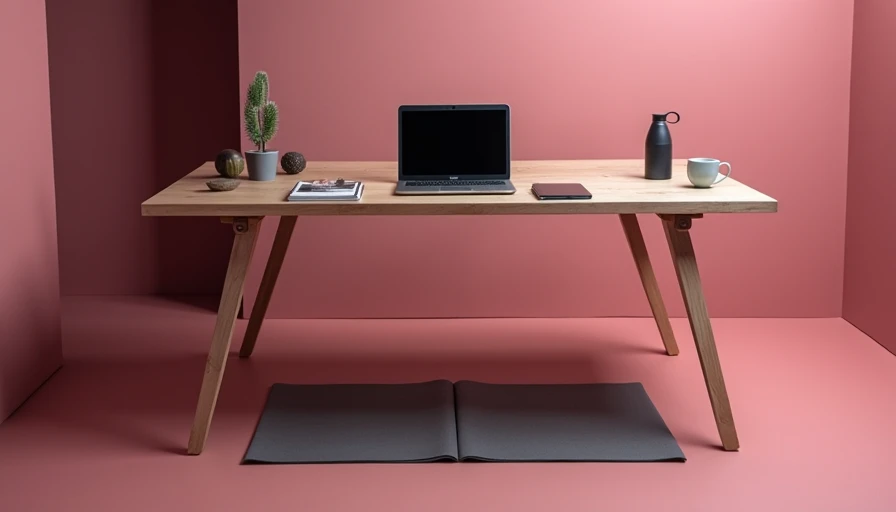

Finding the best stand up desk for the way you actually work is about more than pick-up-and-ship convenience. I've spent a decade in the furniture industry walking factory floors from High Point to Hanoi, and I've seen what separates a desk that survives five years of daily cranking from one that wobbles by month three. The good news: you don't need a $2,000 sit-stand workstation to get it right. You just need to understand the three parts that matter — frame, column, and desktop.
Most standing desk shoppers start with the desktop. That's backward. The frame is what makes or breaks the desk, and the best stand up desk frames share a few non-negotiable traits: a dual-motor drive, a steel support structure, and a height range that actually fits your body. A single-motor desk has one motor in one leg, and it strains under heavy loads. Dual motors work in tandem, so the lift stays even and the desk doesn't rock like a cheap roller coaster at the top of its travel range.
What Makes a Standing Desk Frame Worth Buying
A solid frame has three numbers you should write down: height range, weight capacity, and warranty length. Look for a low setting around 25 inches and a high setting above 48 inches. If you're shorter than 5'4", a desk that bottoms out at 28 inches will force you to stand on a riser. If you're over 6'2", you need the top end. Weight capacity matters too. A dual-motor frame rated for 300-plus pounds handles two monitors, a laptop, a desk lamp, and the occasional mechanical keyboard without bogging down. Warranty is the quiet signal. Five years on the frame, or lifetime on the frame, tells you how much the manufacturer trusts the welds.
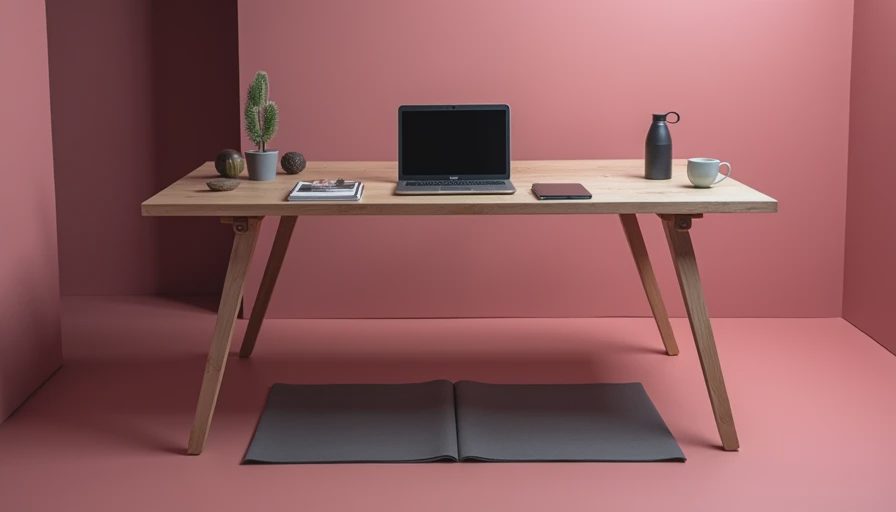
The column is the part people forget. That's the vertical post that extends from the foot to the desktop. Better desks use three-stage columns that telescope cleanly; budget desks use two-stage tubes with a noticeable gap and more play at standing height. If you can sit at the desk and shake it against a wall, the column and the frame bolts are the first suspects. A crossbar under the desk can fix most wobble, though it sits right where you want to put your feet. That's why I recommend a T-frame over a C-frame for anyone with long legs.
Desktop Materials: Don't Overthink It
The desktop is the part people obsess over, but it's the easiest piece to get right. Laminate is the workhorse: it's cheap, scratch-resistant, and available in a wood-grain that's honestly convincing at arm's length. Bamboo is a step up — harder than most maple, warm under your wrists, and much greener than a cut tree. Solid wood like walnut or acacia looks incredible and costs $200 more, but it will dent and scratch unless you're careful. My rule: buy a bare frame and add a 60x27-inch bamboo top. You get a $400 look for $250.
The Best Stand Up Desk Under $500
You don't need to spend four figures to get a stable, quick-adjusting desk. The best stand up desk under $500 right now is the Flexispot E7. It's a dual-motor frame with a 295-pound capacity, a 22.6-to-48.4-inch range, and a T-shaped foot that stays planted on carpet. The optional 55x24-inch desktop is laminate, but the frame is the real seller; it's the same basic architecture as desks selling for twice the price.

Another good option is the Autonomous SmartDesk Core, which usually lands around $350 during a sale. Its 53x29-inch top is roomier than most at this price, though the control box sits a little closer to the front edge. Avoid a budget single-motor frame if you plan to run two monitors. It'll save you $80 now and cost you a wobble every time you type.
Premium Standing Desks Worth the Upgrade
If your budget crosses $700, you're paying for fit and finish. The Uplift V2 with a 60x30-inch desktop is a long-term test desk for me, and it still tracks straight after two years of daily use. The integrated power strip and 15-year warranty justify the premium for a full-time remote worker. Fully Jarvis offers a slightly softer height adjustment and a wider range of eco-desktops, including reclaimed wood. The real difference is accessories: a good premium frame handles a clamp-on monitor arm and keyboard tray while staying stable at standing height.
Set It Up for Your Body, Not Your Room
Any standing desk is useless if you set it to a friend's elbow height. Stand the desk so your elbows rest at 90 degrees when typing, and set the monitor top at eye level. Keep your feet shoulder-width apart, knees soft. At 5'9", that usually means around 42 inches for standing and 29 for sitting. Program the memory presets if you have them. I switch between 42 and 28.5 every 45 minutes.
The Best Stand Up Desk for Most Home Offices
So what's the actual best stand up desk? For a remote worker with two monitors and a used gaming chair, I'd steer them to the Flexispot E7 with a bamboo top. It has a stable dual-motor frame, a height range that fits 90 percent of adults, and a price that leaves room for a monitor arm. If you have $1,200 to spend and expect to live in the desk for a decade, the Uplift V2 is the better long-term buy. Skip the gimmicks: no massage motors, no curved desktops, no suction-cup shelves. A 60x27 work surface and the savings will serve you better.